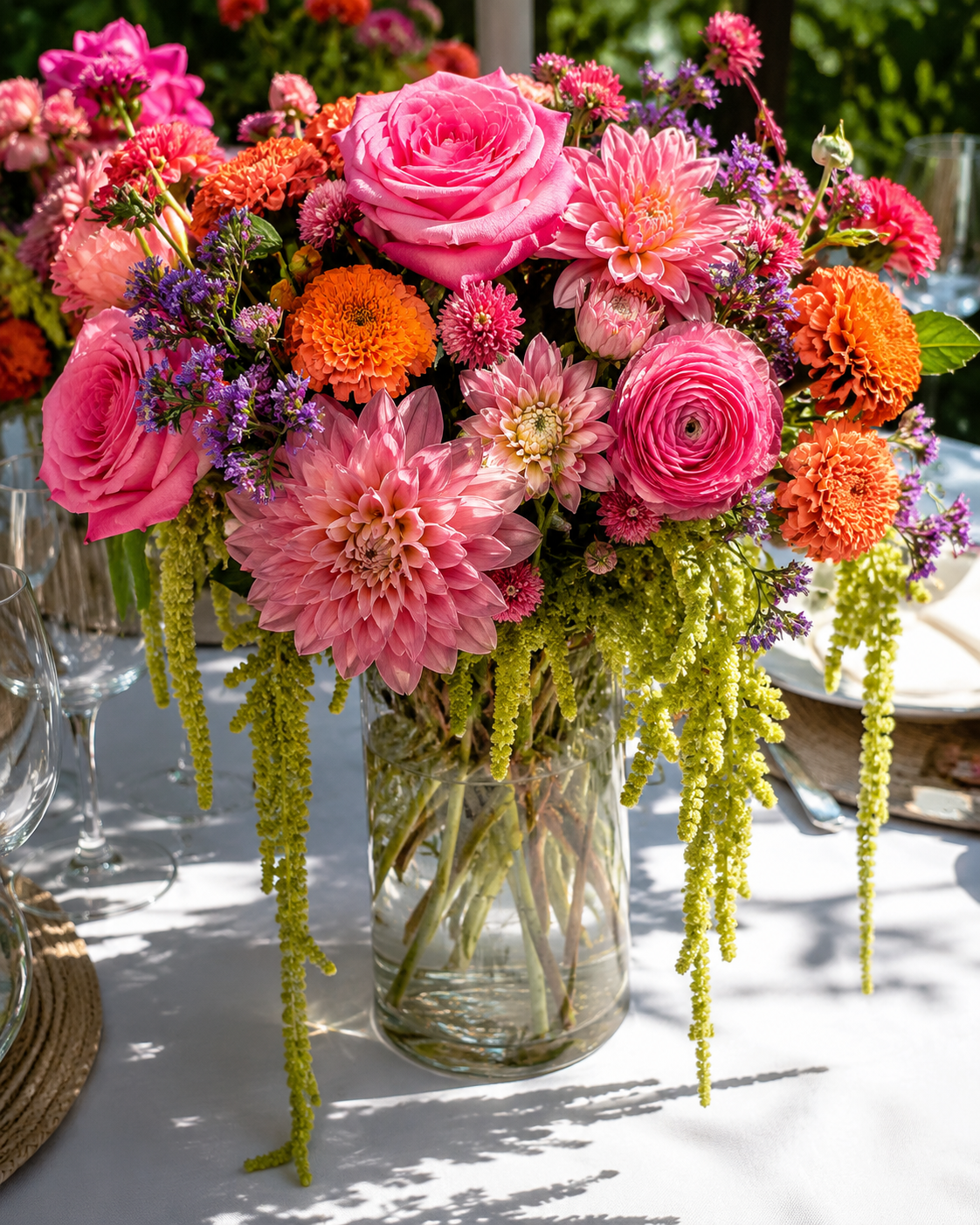
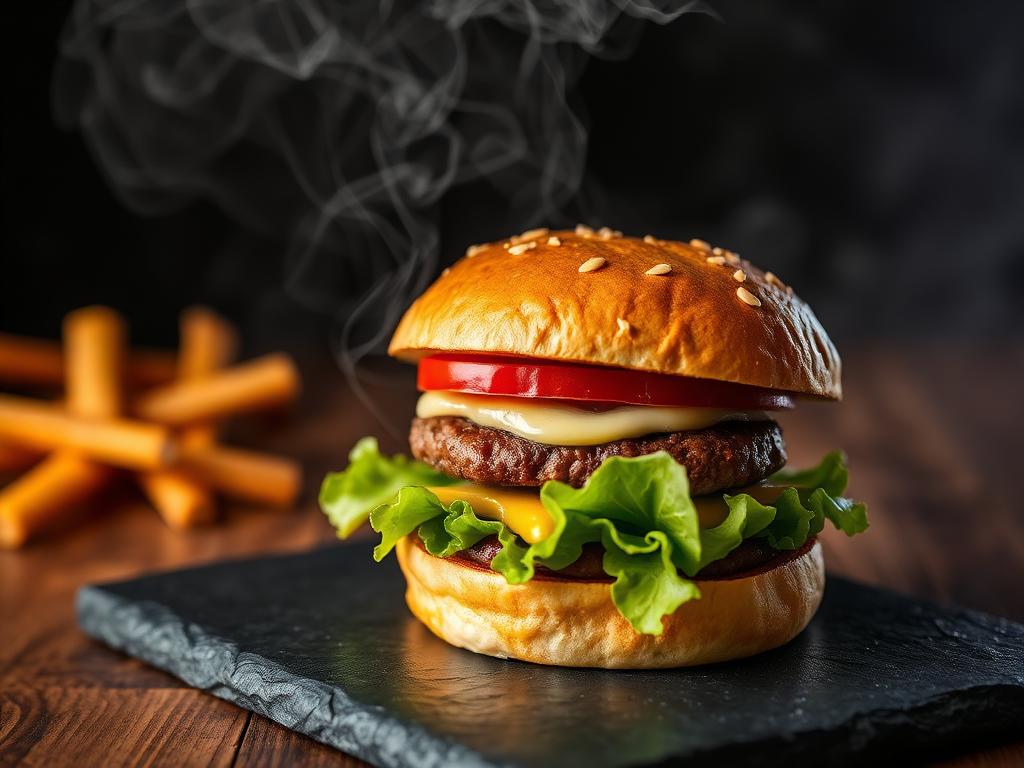
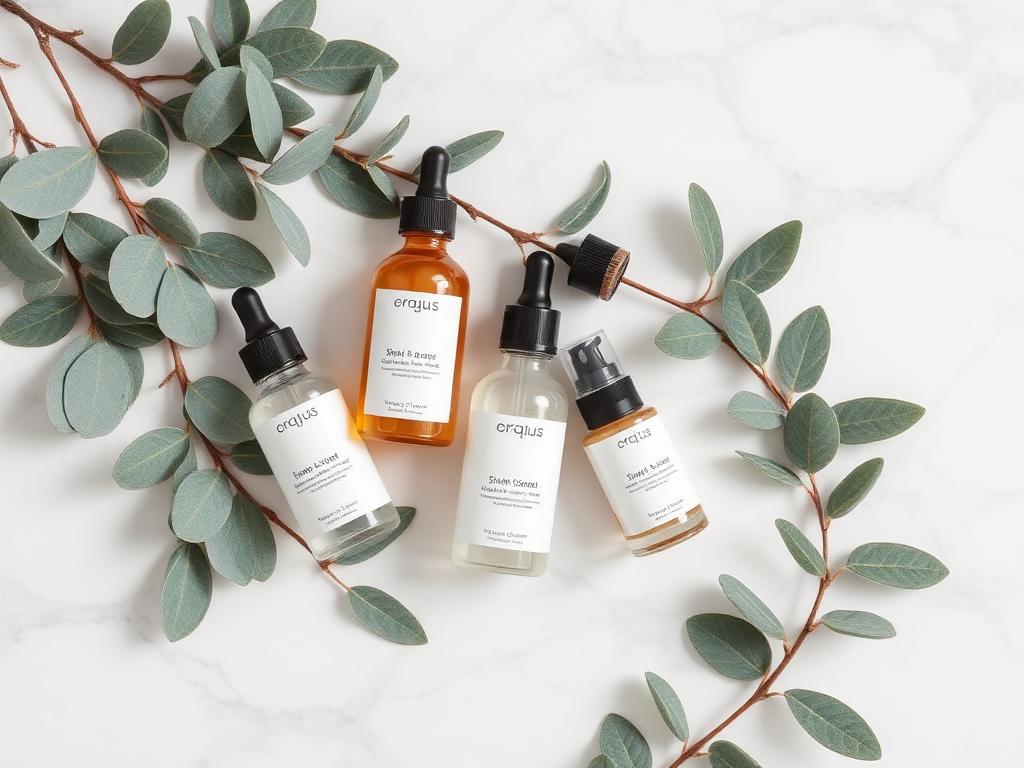
 Real output
8 image prompts, free forever
AI Image Prompts
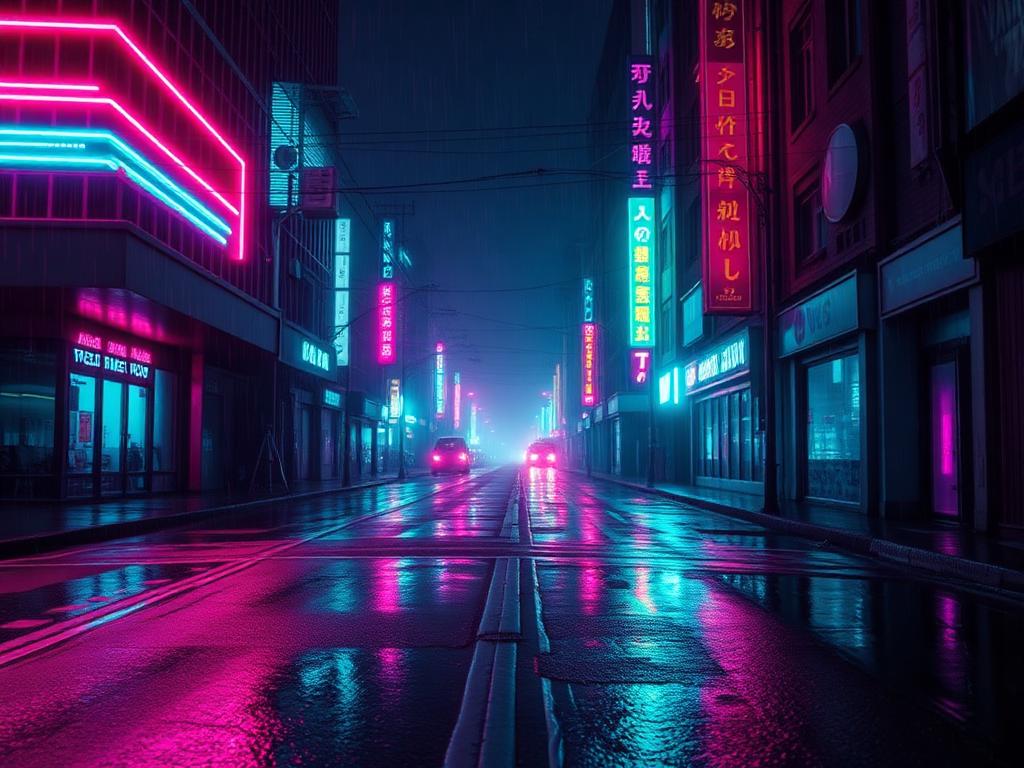
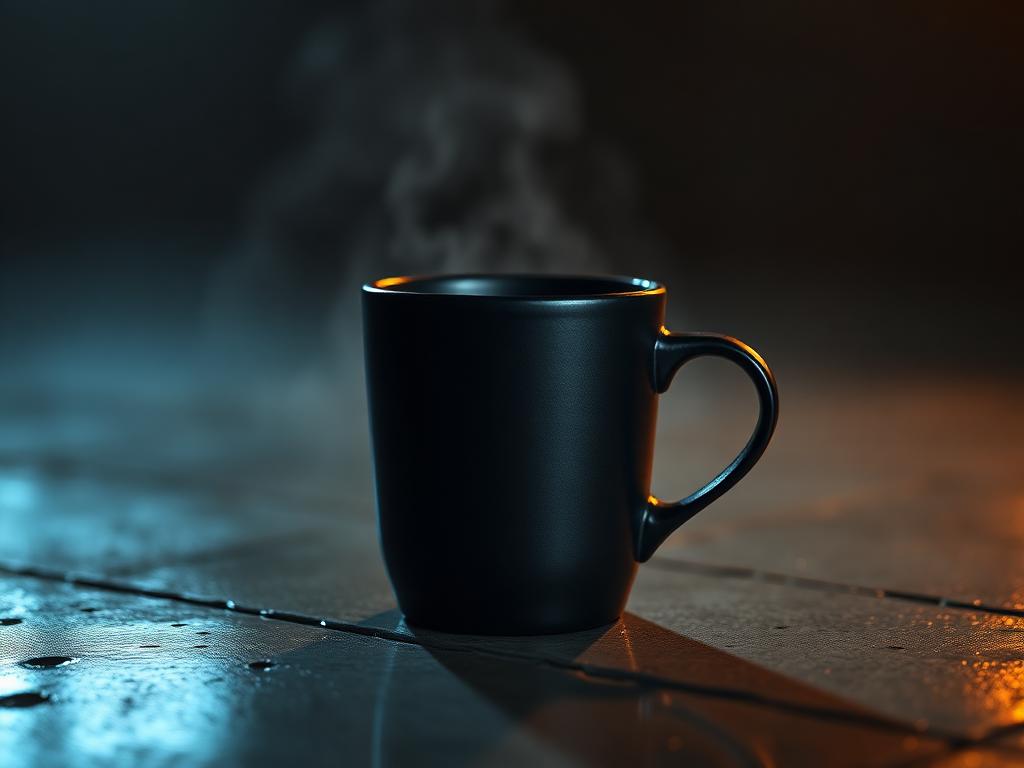
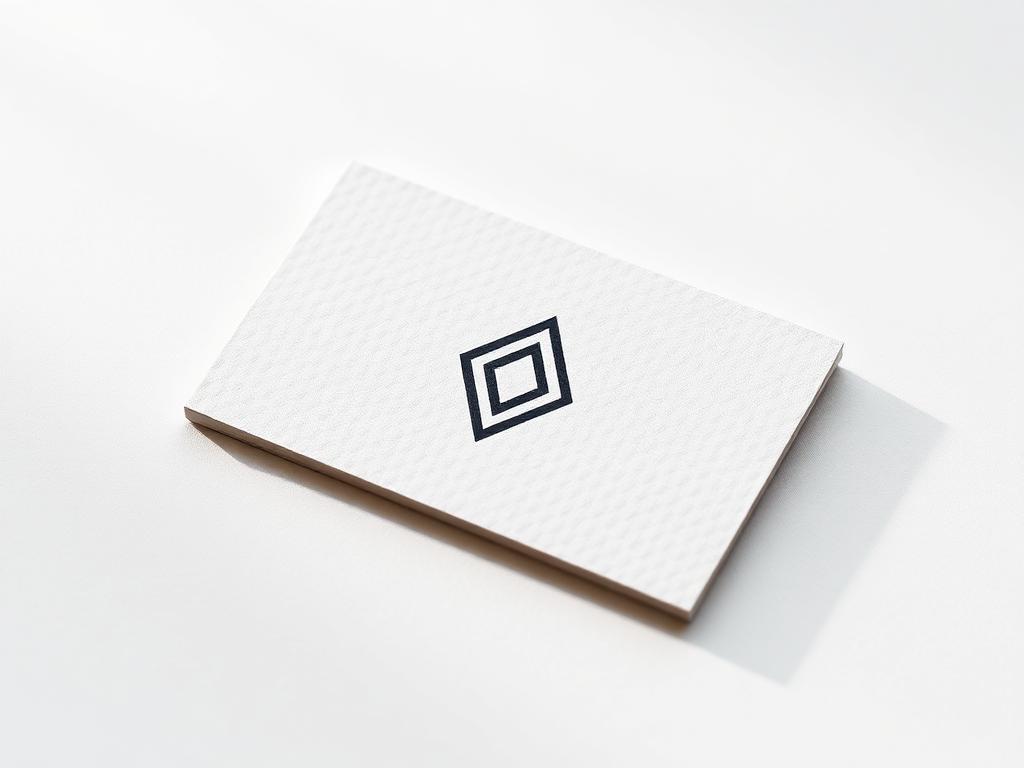
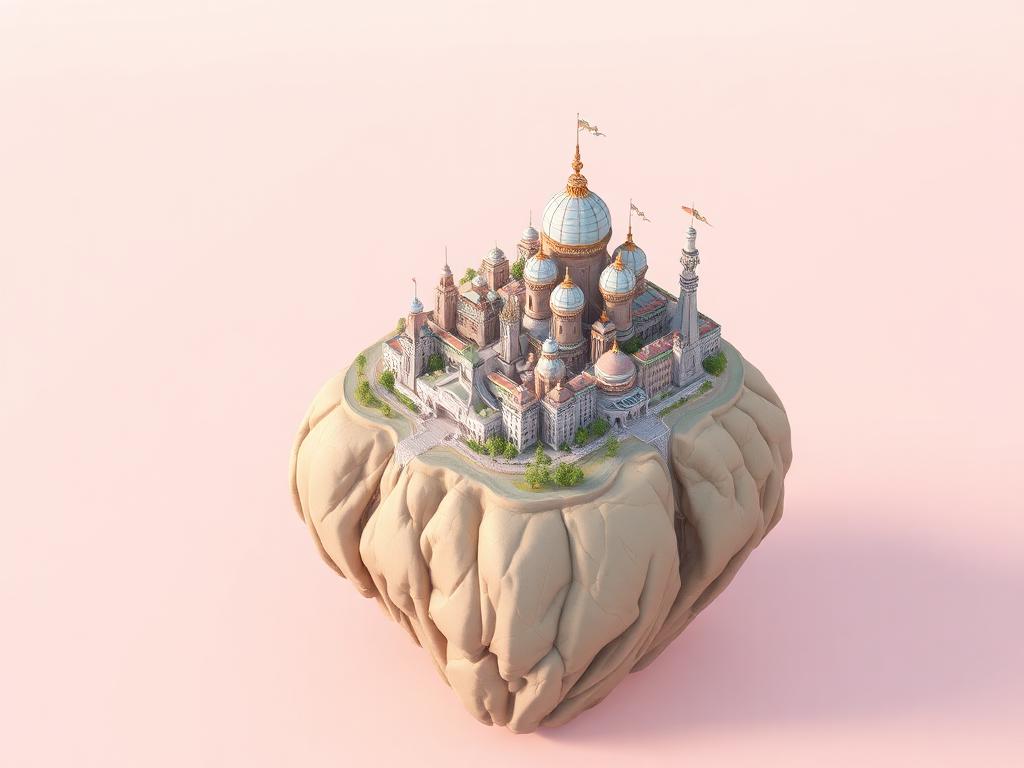
An AI image prompt is the written brief you hand to a text-to-image model: the subject, the setting, the styling, the camera and lighting, and the format you want back. Every prompt below has been run through the model it names, so you can see the result before you copy it.
Copy a prompt in one click, swap the bracketed details for your own subject, then adjust one variable at a time — lighting, lens or style — until the output lands.
Every image prompt in the library
Which model should you prompt?
The same idea needs different phrasing depending on the generator. Here is how the main image models behave, and where to find prompts written specifically for each.
Midjourney prompts
Best for stylised, editorial and cinematic imagery. Responds well to camera, lens and lighting language plus aspect-ratio flags.
Browse Midjourney promptsDALL·E prompts
Strong at literal instruction-following and text-in-image. Write plain, complete sentences describing the subject, setting and style.
Browse DALL·E promptsStable Diffusion prompts
Open and highly tunable. Comma-separated keyword prompts plus a negative prompt give you the most control over the output.
Browse Stable Diffusion promptsNano Banana prompts
Great for edits and consistent characters. Describe what should change while explicitly naming what must stay the same.
Browse Nano Banana promptsHow to write a better image prompt
- Lead with the subject. Say exactly what is in frame before you describe style — models weight early words more heavily.
- Name the shot. Lens, angle and distance (macro, 35mm, low angle, wide) do more for realism than adjectives like “beautiful”.
- Describe the light. Golden hour, softbox, hard rim light — lighting is the single biggest driver of a photographic look.
- Set the output format. Aspect ratio, background colour and whether you need space for copy.
- Change one thing at a time. Rewriting the whole prompt hides which change actually helped.